Functional Skills APP
Explore the Functional Skills App
Functional Skills App: Elevate Your Grammar & Spelling
In today’s fast-paced digital world, mastering grammar and spelling is more important than ever. The Functional Skills App is a revolutionary tool designed to sharpen your language proficiency through engaging AI-driven challenges. Whether you’re a student, a professional, or someone looking to refine their English skills, this app provides an interactive and structured approach to learning.
With a sleek and user-friendly interface, the app immerses you in spelling and grammar challenges that go beyond traditional learning methods. It incorporates AI-generated sentences with audio prompts, ensuring an engaging and practical learning experience. Unlike standard text input fields, the app employs a custom keyboard to prevent autofill, guaranteeing that every answer is manually typed—enhancing memory retention and accuracy.
The future of this app is bright, with plans to integrate more advanced AI models, personalized learning paths, and adaptive difficulty levels that adjust based on user performance. By blending cutting-edge technology with effective educational principles, the Functional Skills App is set to become a must-have tool for learners worldwide.
App Overview
App interface showing a grammar challenge
This innovative app is designed to boost your grammar skills by presenting AI-generated sentences paired with audio challenges. Listen to the sentence and type the highlighted word using a custom keyboard that prevents autofill, ensuring a true manual input experience.
User Authentication
Login screen of the Functional Skills App
Upon launch, you are greeted with a sleek login screen. Sign in effortlessly using your Google account on both web and Android platforms. Firebase securely handles authentication, while your progress is tracked in a dedicated database.
App Overview
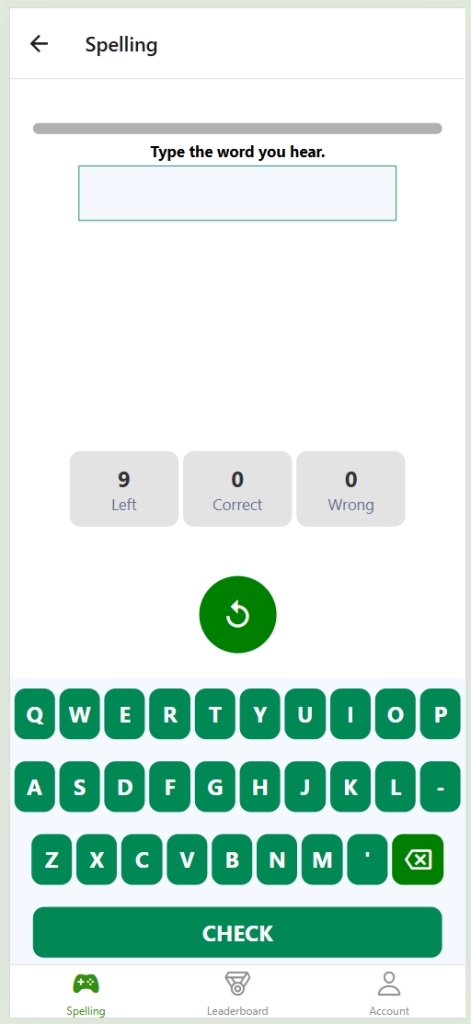
This innovative app is designed to boost your grammar skills by presenting AI-generated sentences paired with audio challenges. Listen to the sentence and type the highlighted word using a custom keyboard that prevents autofill, ensuring a true manual input experience.
User Authentication
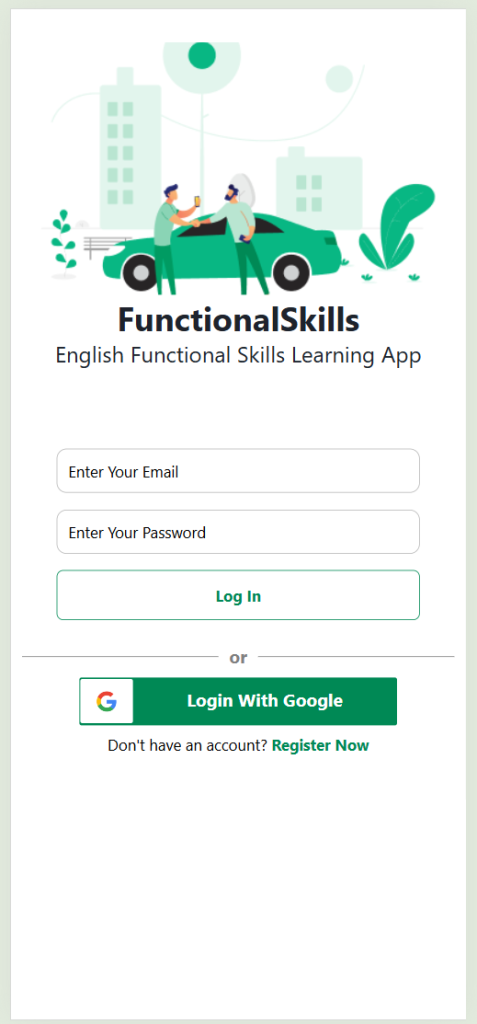
Upon launch, you are greeted with a sleek login screen. Sign in effortlessly using your Google account on both web and Android platforms. Firebase securely handles authentication, while your progress is tracked in a dedicated database.
Account Creation
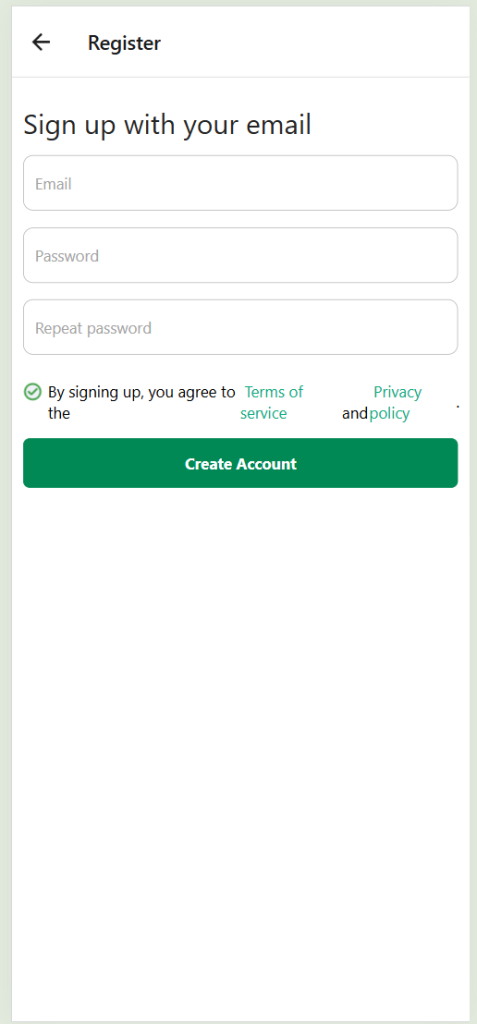
Prefer a manual sign-up? Create your own account with ease—no email verification required—allowing you to quickly track your progress throughout the app demonstration.
Spelling Challenges
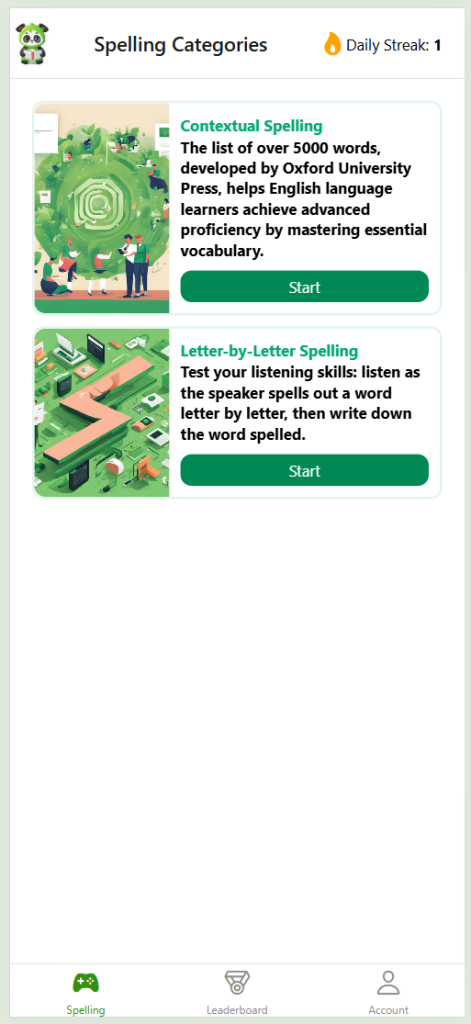
The app features two distinct spelling modes: letter-by-letter and sentence-based. These modes are specifically designed to address common challenges faced by English learners, ensuring consistent daily practice for improved spelling accuracy.
Difficulty Levels
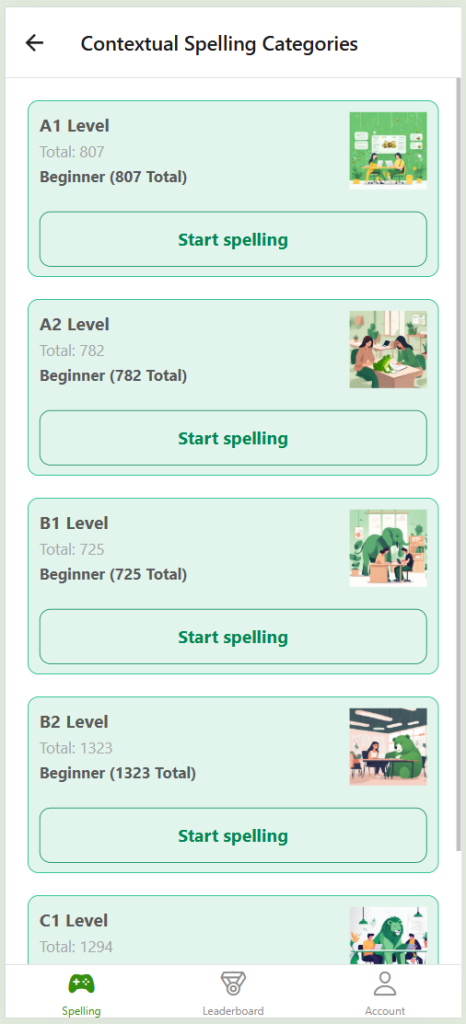
Spelling challenges are organized into difficulty levels (A, B, and C) based on the Oxford 5000 word list. This categorization ensures a structured and progressive learning experience.
Technical Insights
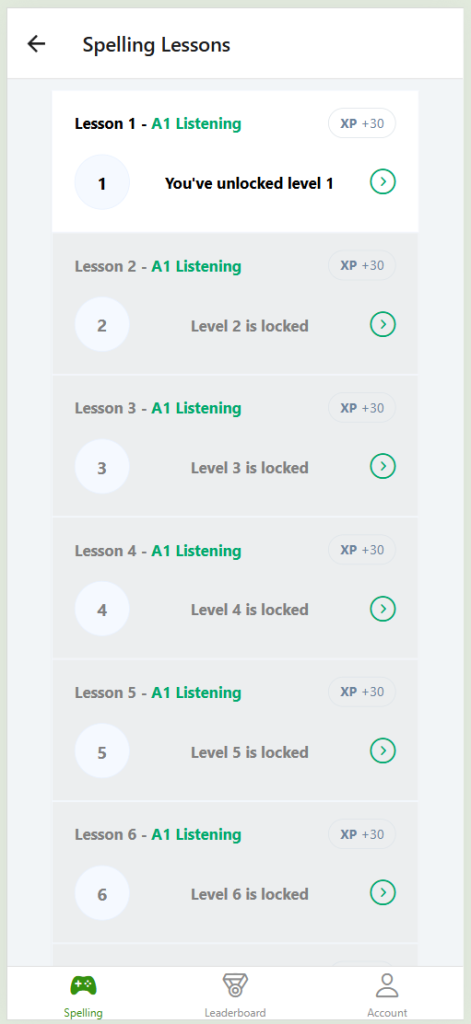
Beyond enhancing your grammar, this project serves as a practical demonstration of modern web development techniques, including React and API integration, offering valuable insights for developers.